Atollon Calendar in Android
July 20, 2020
If you want to use Atollon CalDAV calendar API, please make sure you recently changed your Atollon's user password.
Below you can find a guide on how to set-up your access to Atollon calendar using One Caledar application for Android 10.
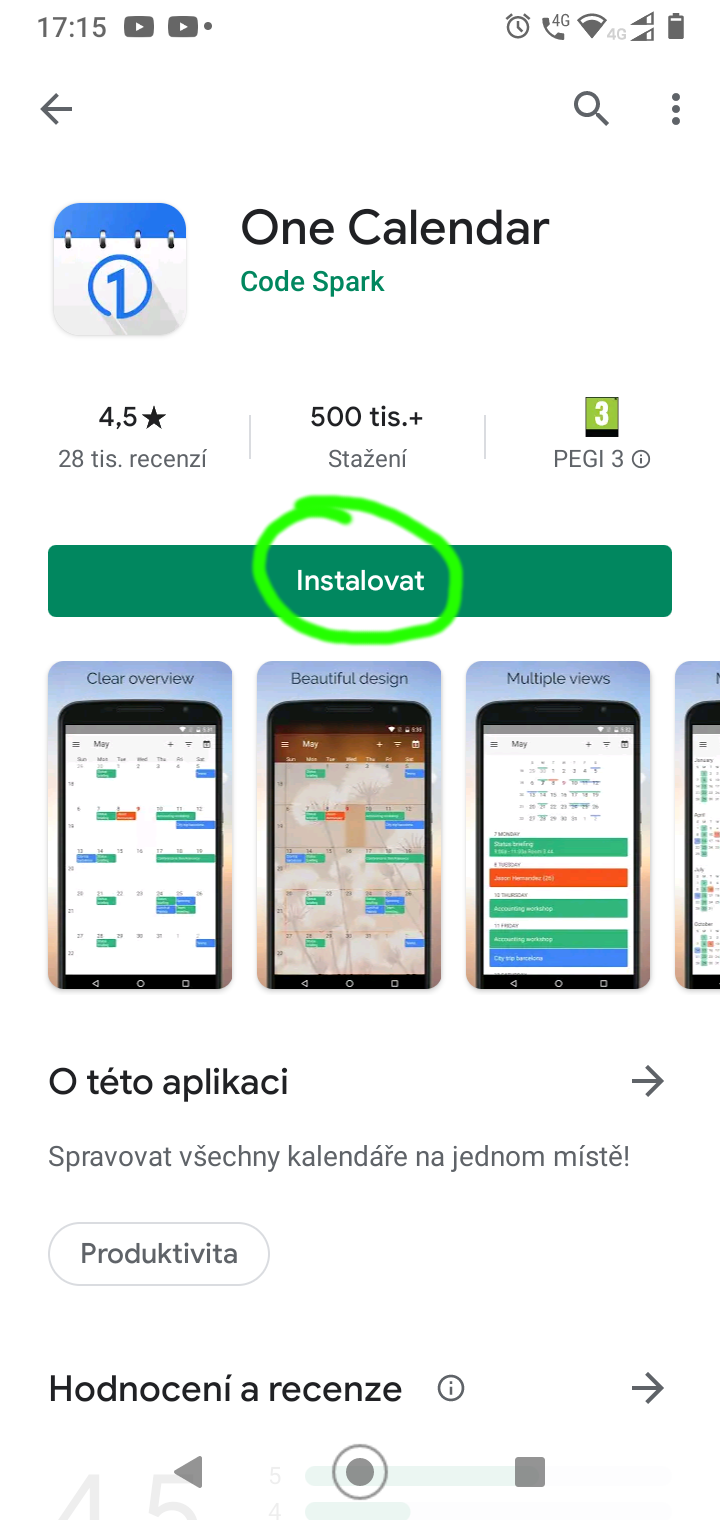
From GooglePlay app store install One Caledar
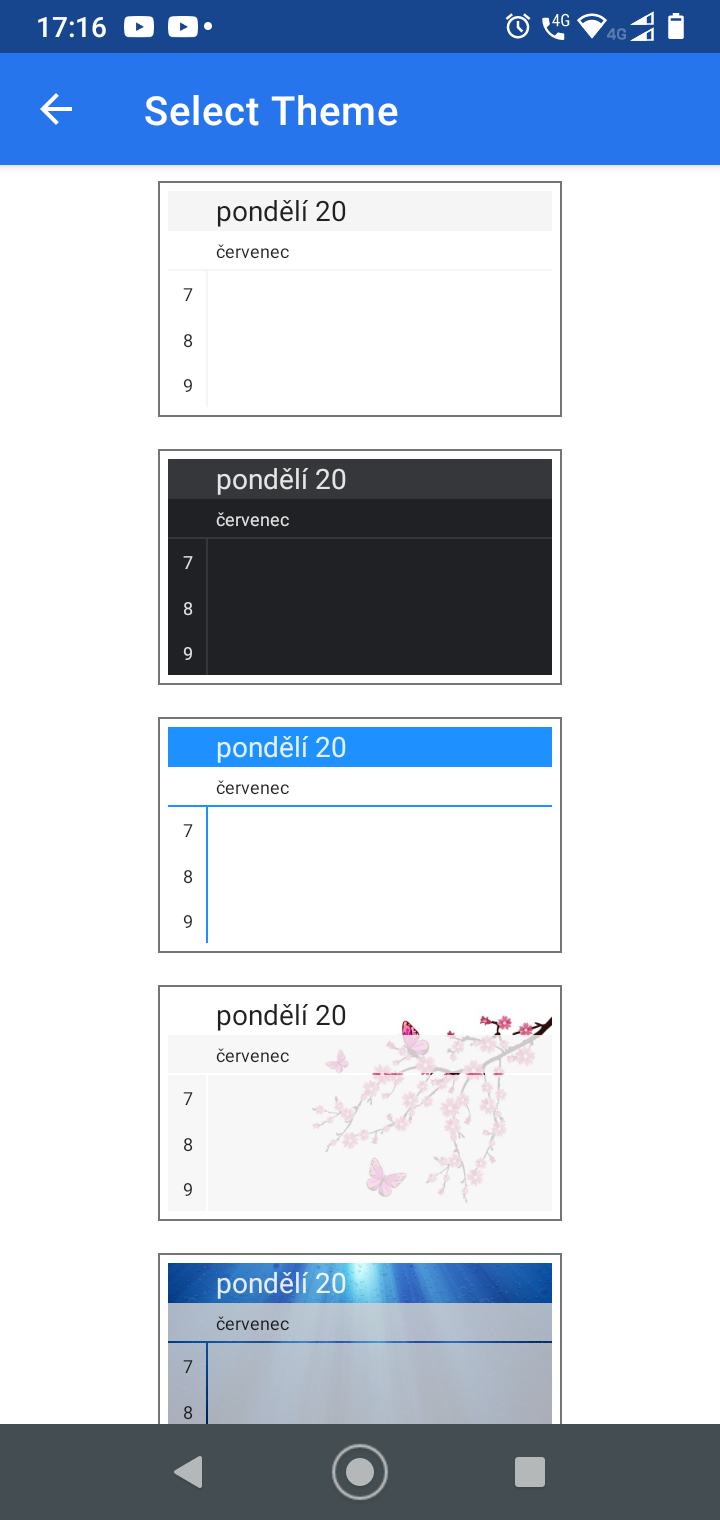
Open OneCaledar application and slect preffered theme
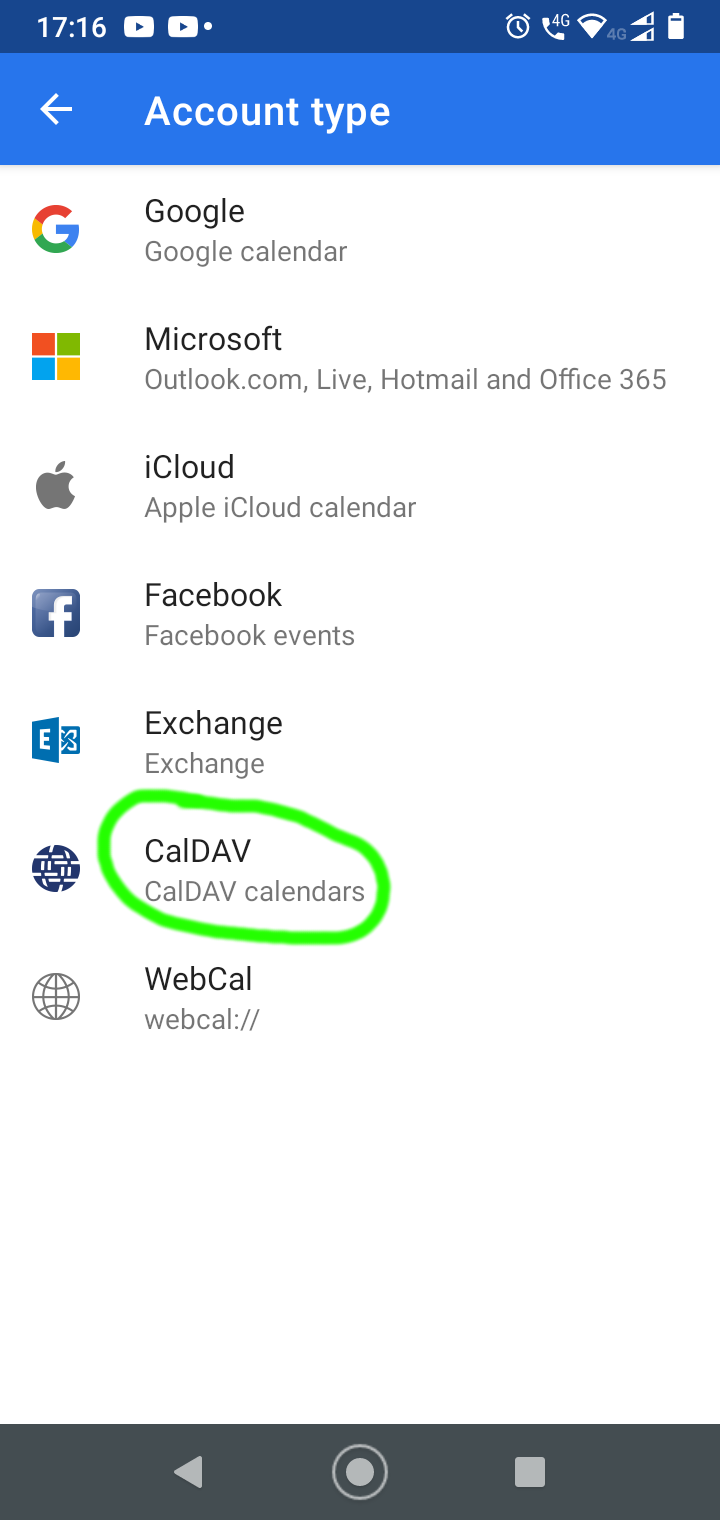
Select account type CalDAV
Fill-in Atollon CalDAV account details and push Connect button
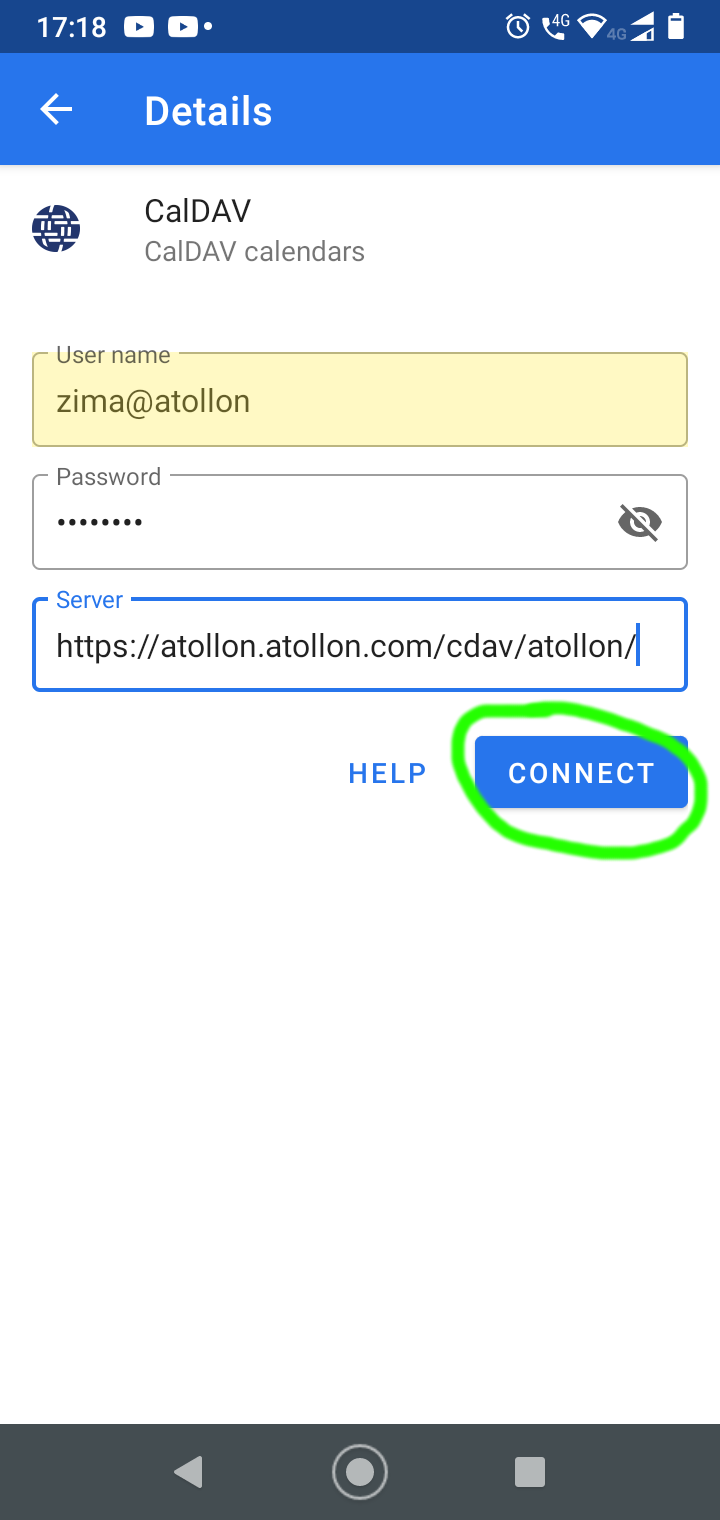
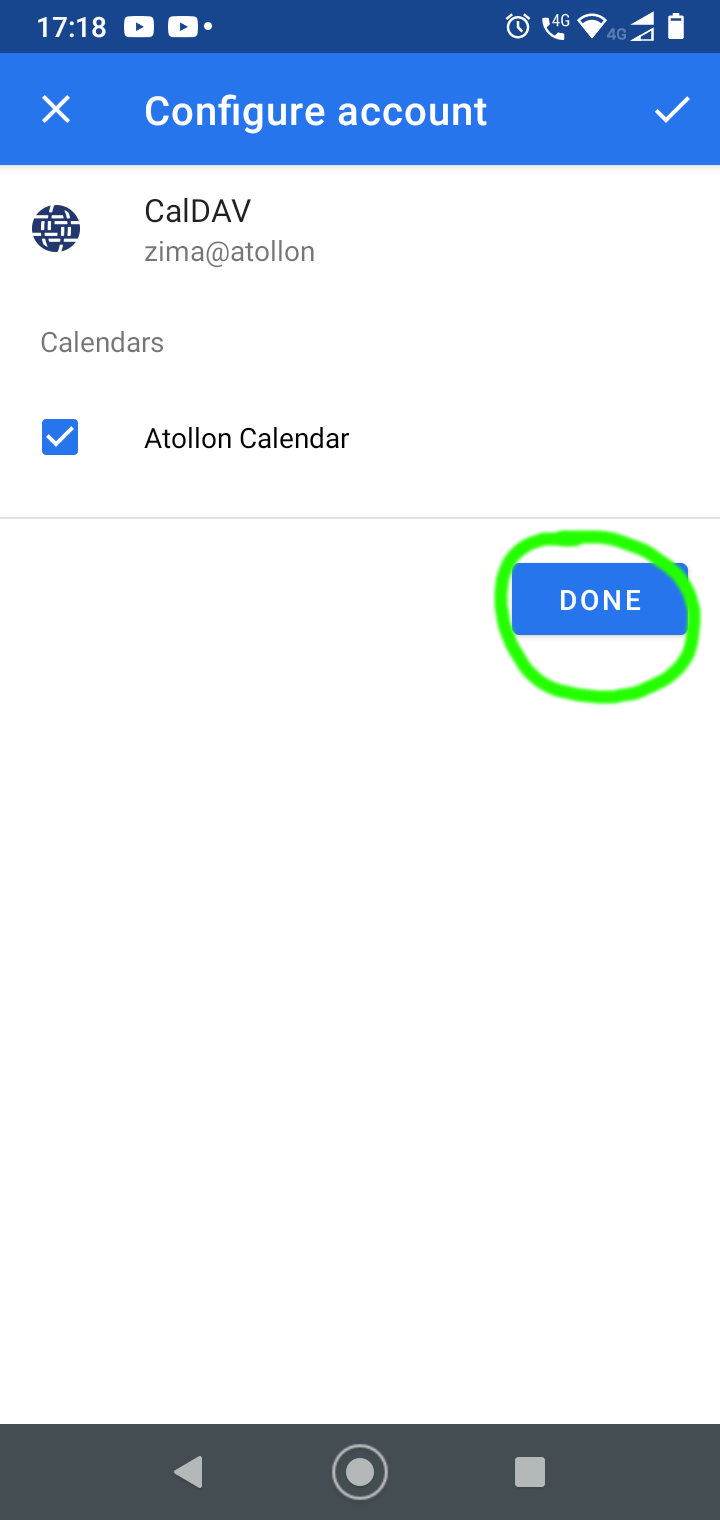
Check found Atollon caledar and push Done button
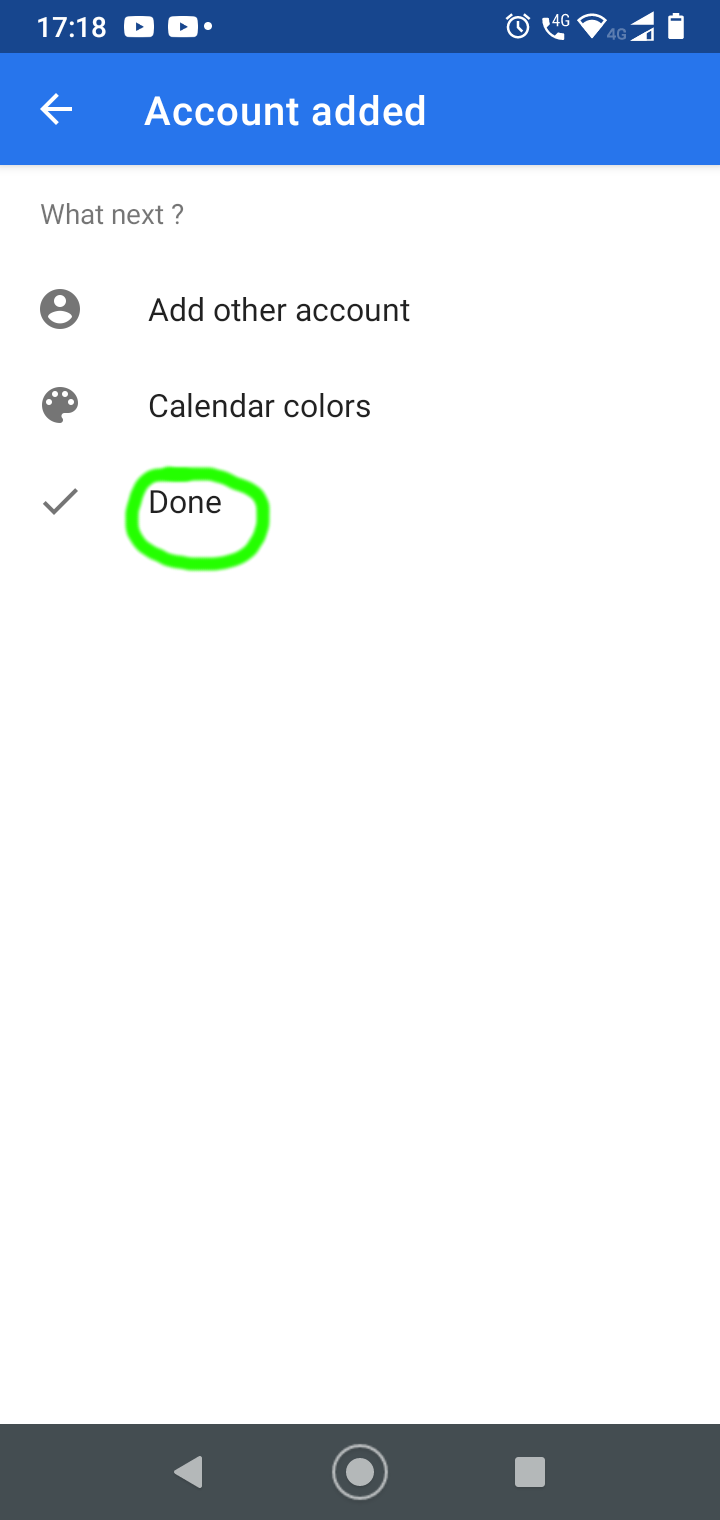
Done
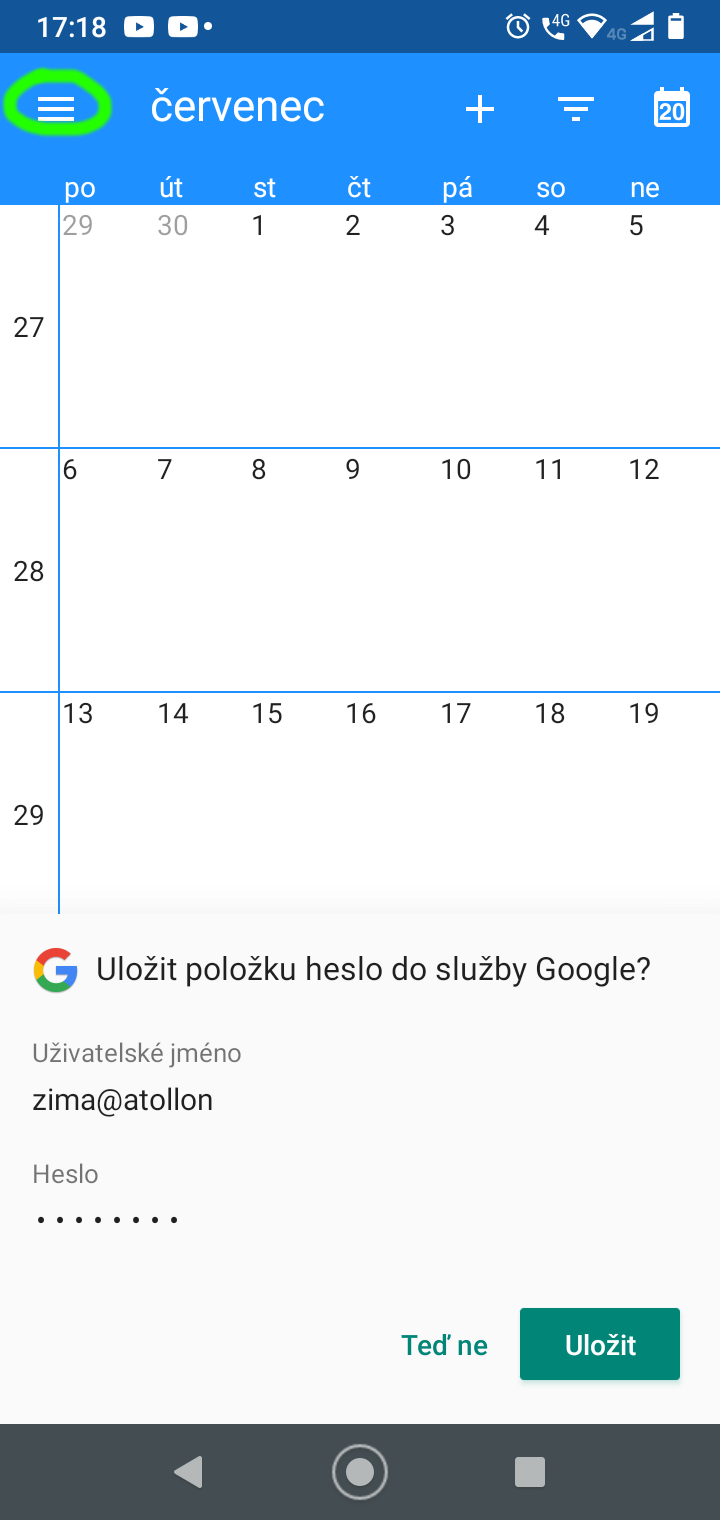
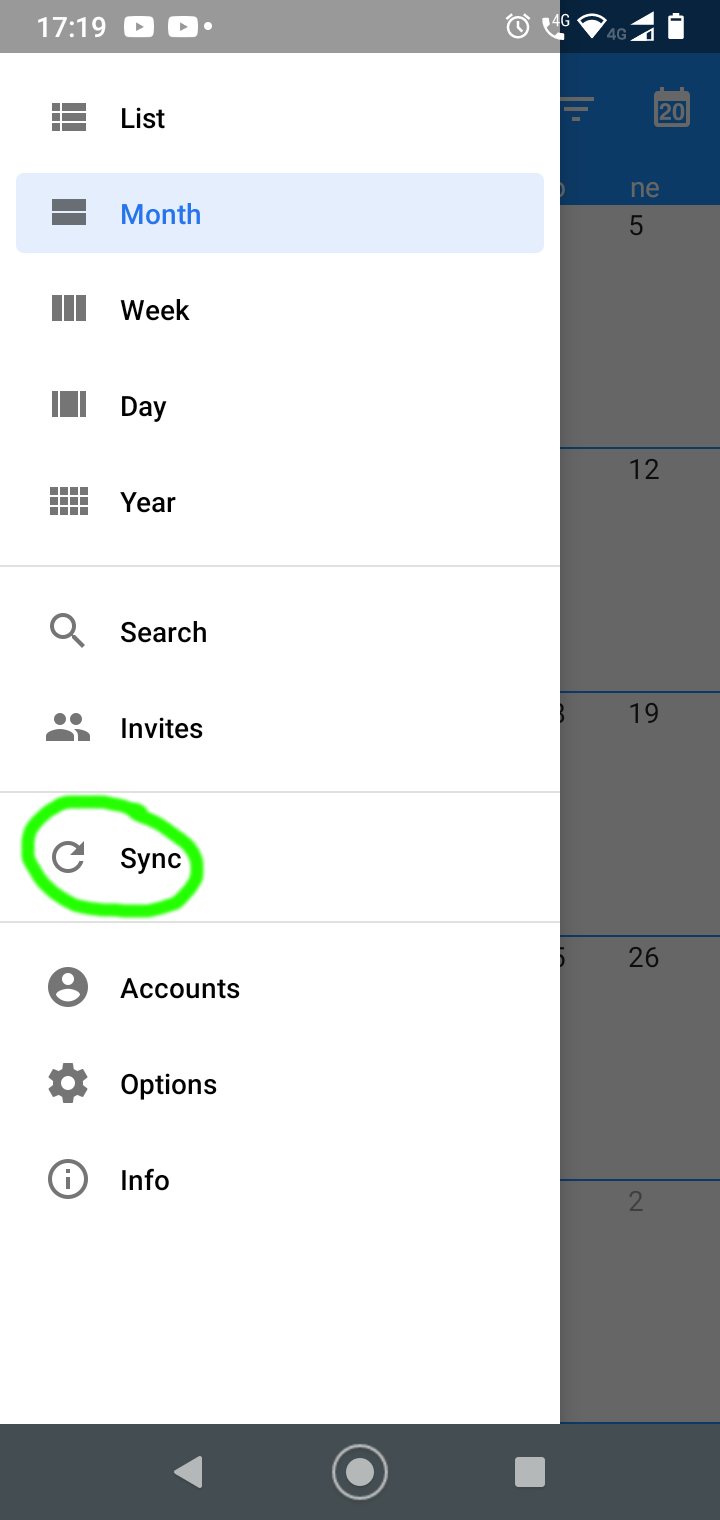
Optionally save account credentials and push menu symbol
To refresh calendar data push Sync
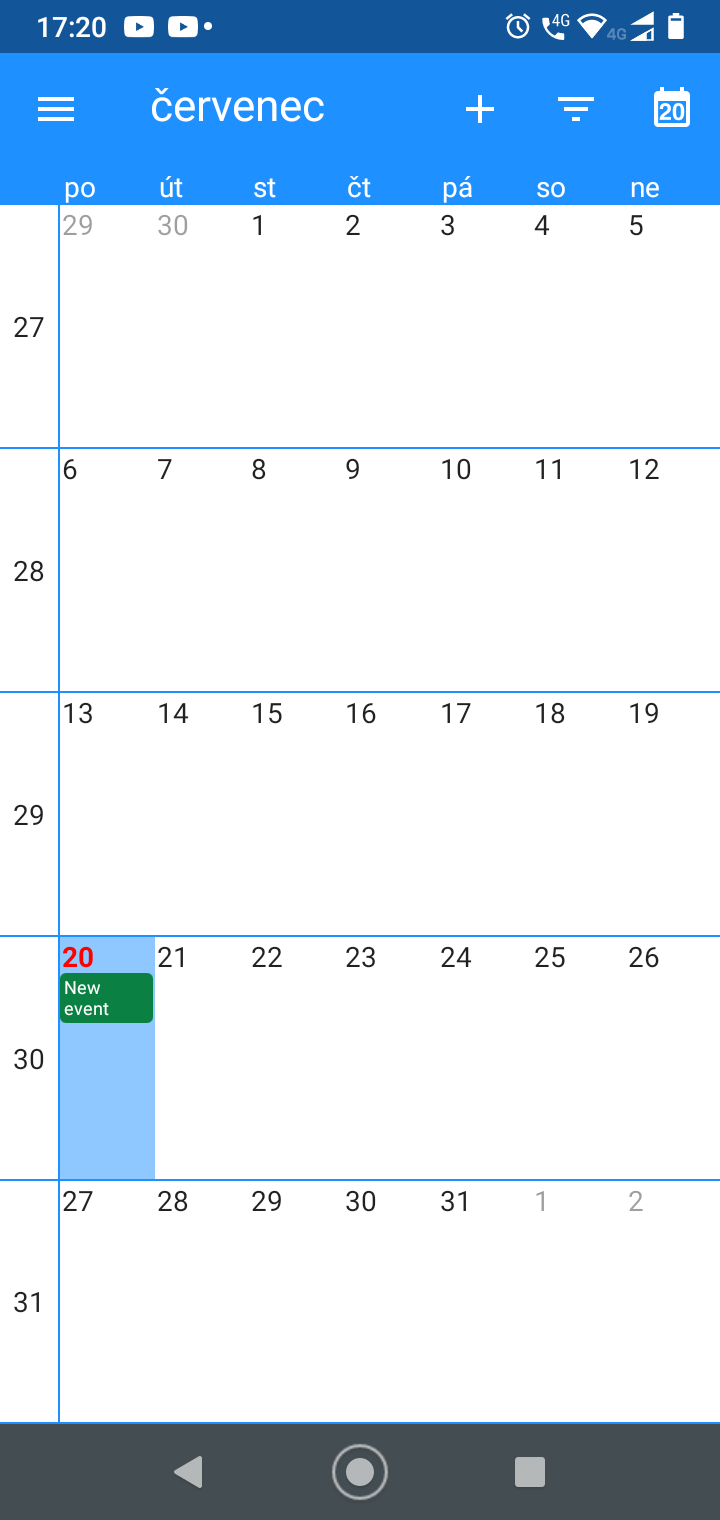
Got new event from Atollon CalDAV
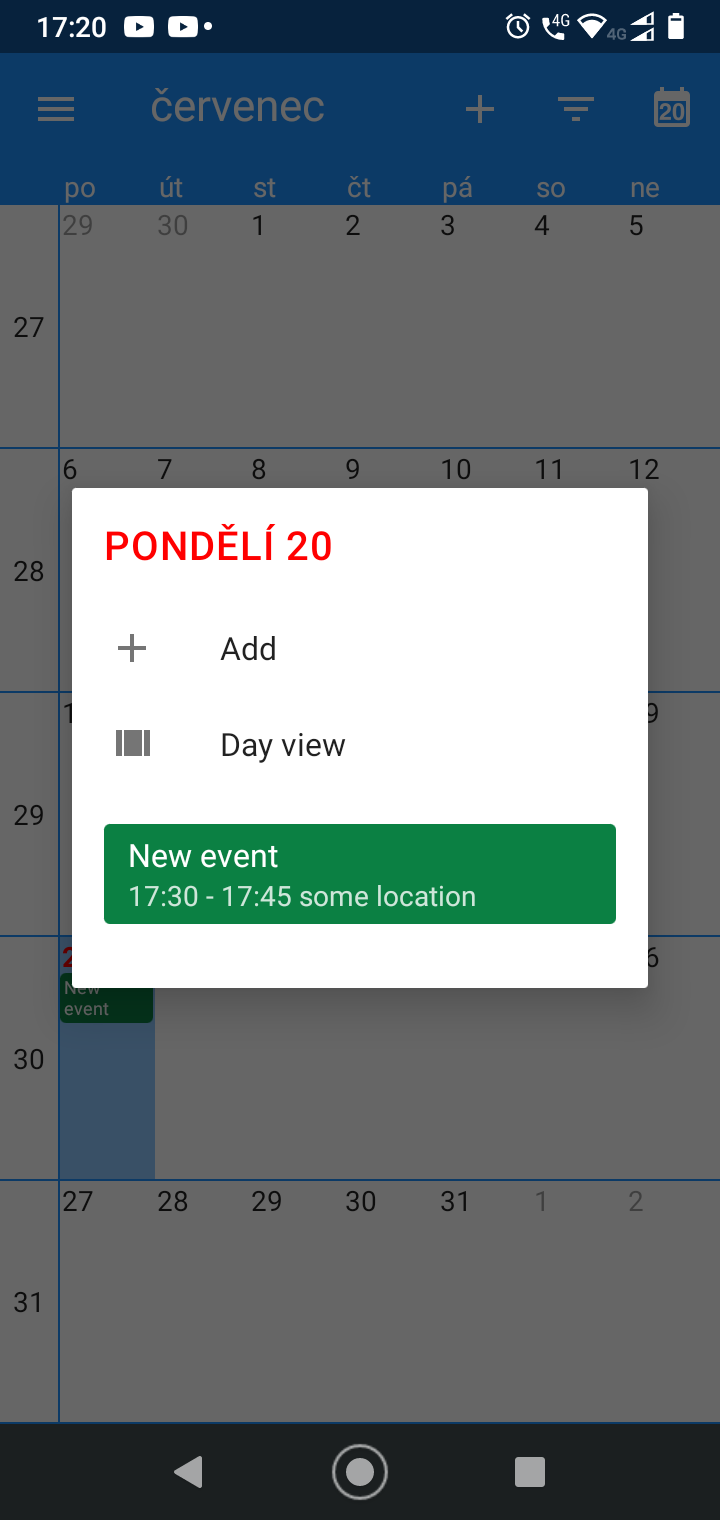
Click New event to show detail
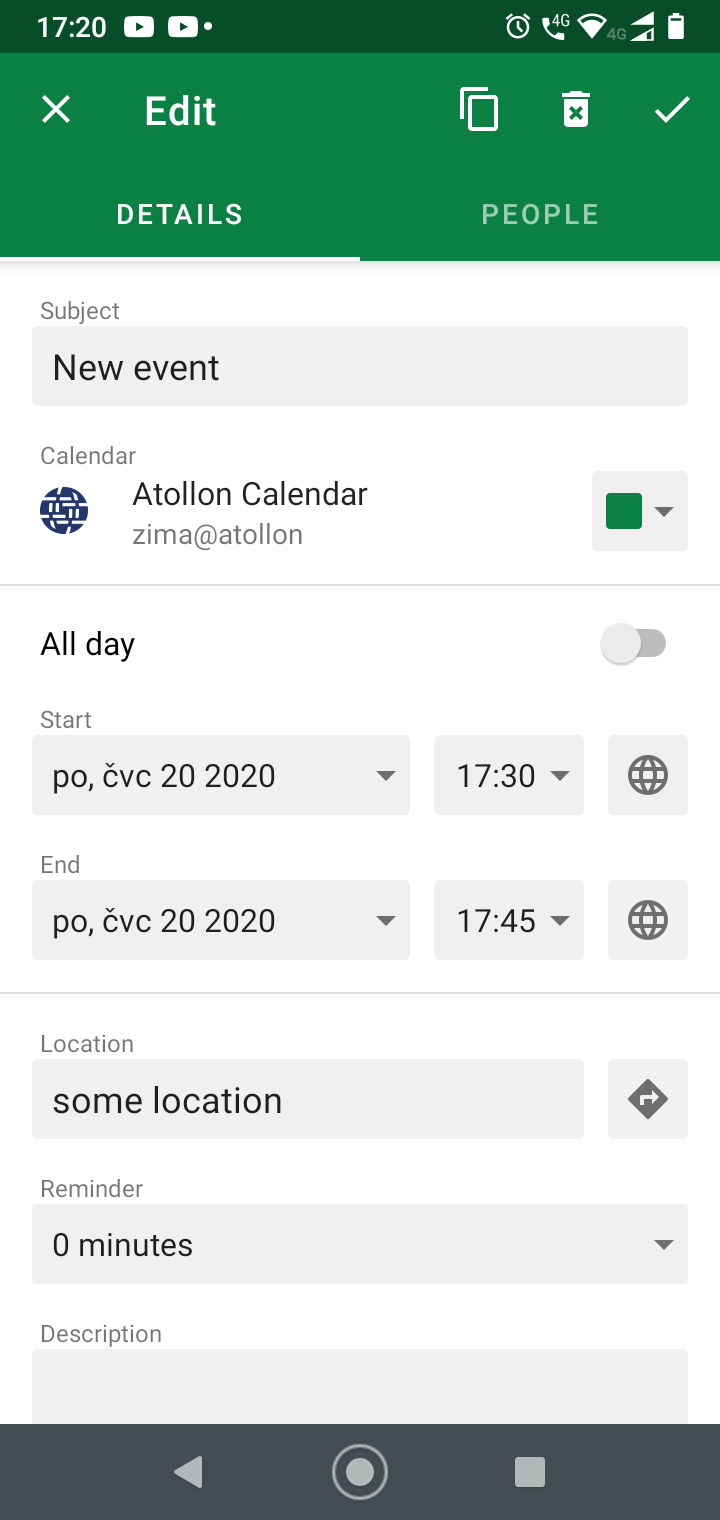
Click New event to edit event
Click somewhere in the calendar to Add event
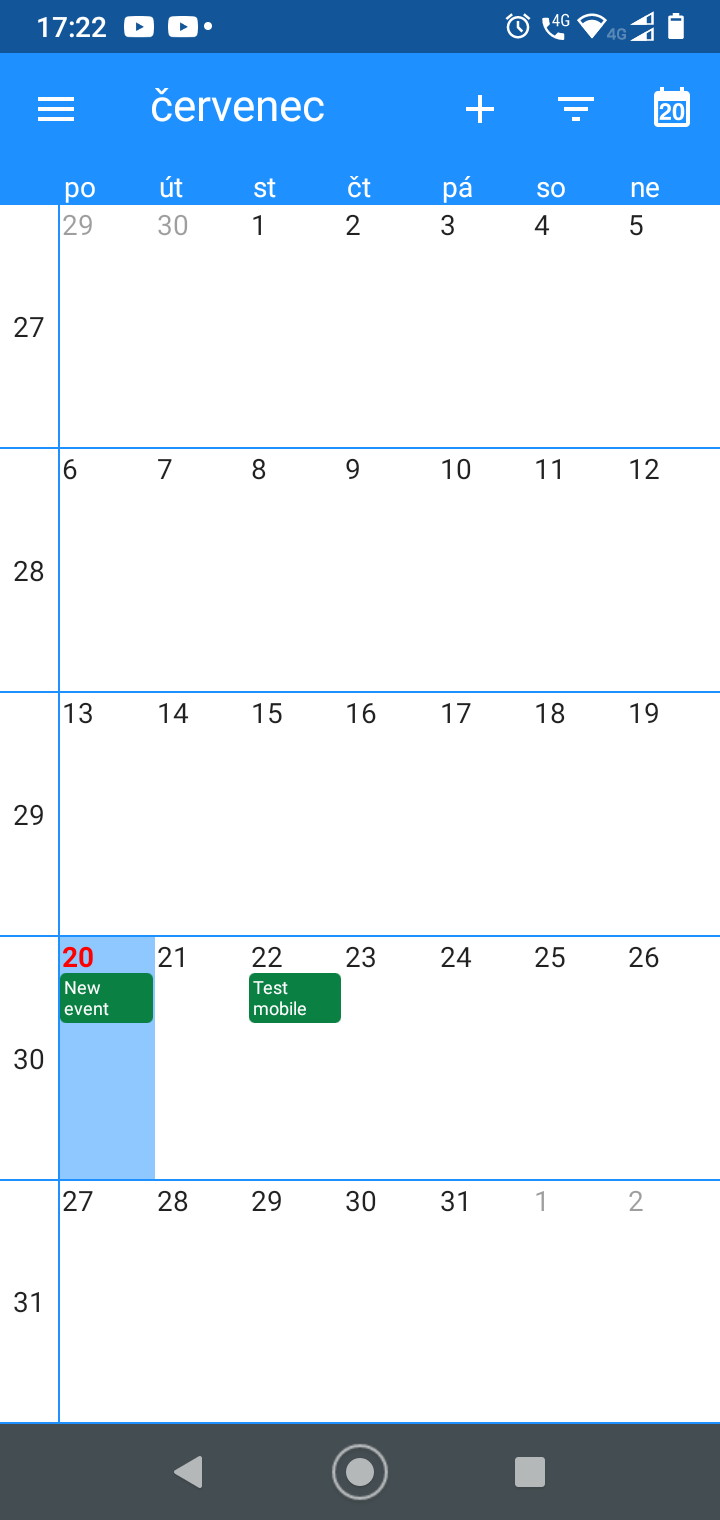
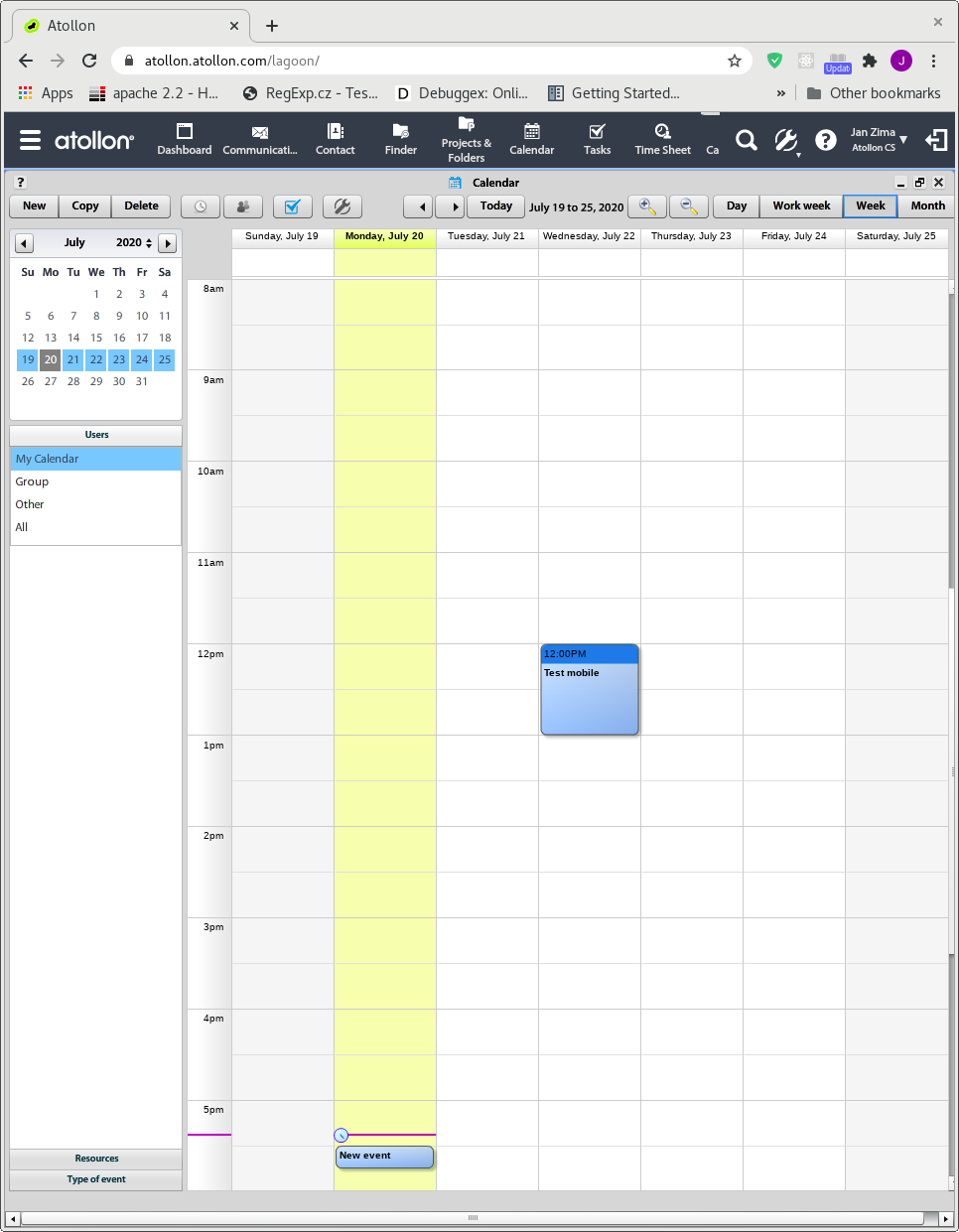
See event in Atollon Calendar, after view change
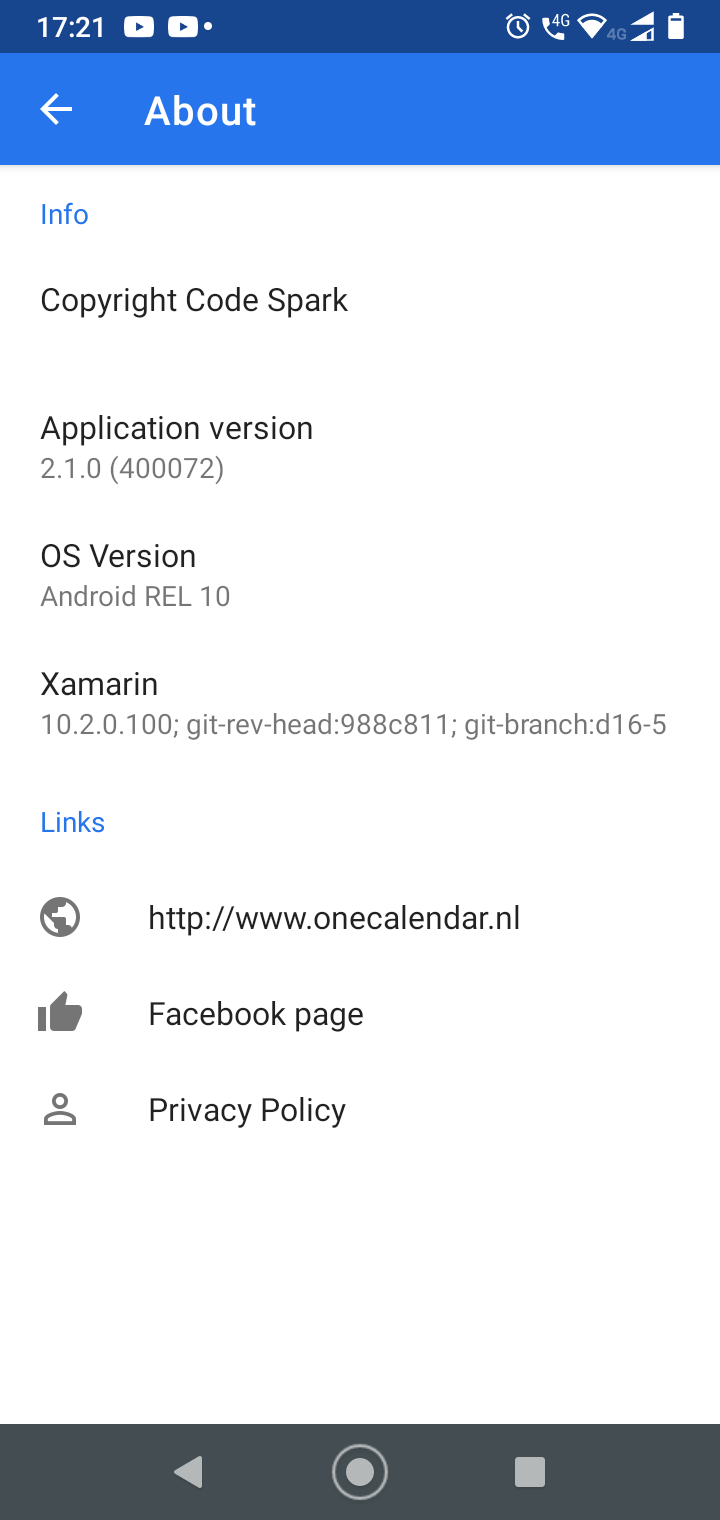
Aplication details